
Running a small restaurant is a daily balancing act. Between managing staff, serving customers, and controlling food costs, inventory often becomes an afterthought — until something goes wrong.
Spoiled ingredients, stockouts during peak hours, or over-ordering can quietly eat into your margins.
That’s where inventory management software comes in.
Modern tools help small restaurants track stock in real time, automate purchasing, and reduce waste — ultimately improving profitability and operational efficiency.
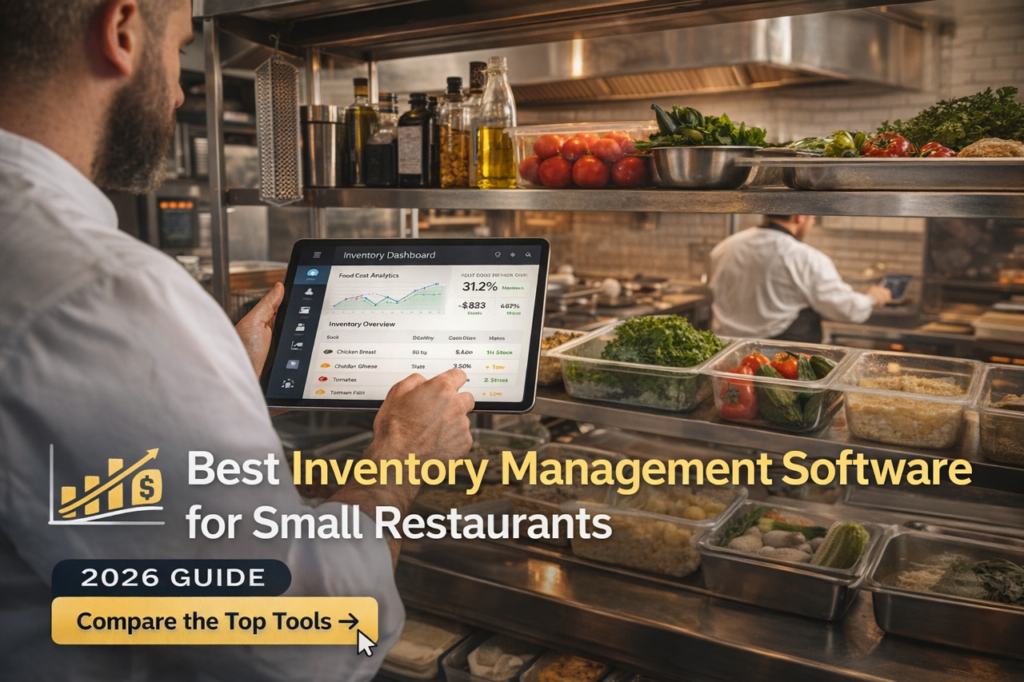
In this guide, we’ll break down the best inventory management software specifically tailored for small restaurants, cafés, and food businesses.
What Makes Inventory Software Different for Small Restaurants?
Unlike large chains, small restaurants need:
- Simple setup (no complex onboarding)
- Affordable pricing
- Easy-to-use dashboards
- Basic automation without overkill features
The goal isn’t complexity — it’s control and clarity.
Good inventory software should:
- Track stock in real time
- Alert you before items run out
- Reduce manual counting
- Sync with POS systems
This reduces waste, avoids shortages, and improves decision-making.
Best Inventory Software for Small Restaurants (2026)
1. MarketMan – Best Overall for Cost Control
MarketMan is built specifically for restaurants that want strong cost control without complexity.
Key Features:
- Real-time inventory tracking
- Supplier and purchase management
- Recipe costing and food cost tracking
- Automated reports
Why it’s great for small restaurants:
It helps you understand exactly where your money is going — and where you’re losing it.
2. MarginEdge – Best for Automation
MarginEdge is ideal for restaurants that want to reduce manual work.
Key Features:
- Invoice scanning (even handwritten)
- Daily cost tracking
- Automated data entry
Why it stands out:
It eliminates hours of manual work and gives same-day insights into spending.
3. Square for Restaurants – Best Budget Option
Square is perfect for small restaurants starting out.
Key Features:
- Inventory + POS integration
- Simple dashboard
- Free basic plan
Why it works:
You get inventory tracking without investing heavily upfront.
4. Toast POS – Best All-in-One Solution
Toast combines POS + inventory + operations in one system.
Key Features:
- Real-time inventory syncing
- Menu-level ingredient tracking
- Automated stock updates
Best for:
Restaurants planning to scale operations.
5. eHopper – Best for Small Cafés & Food Trucks
eHopper is lightweight and beginner-friendly.
Key Features:
- Basic inventory tracking
- Low stock alerts
- Simple reporting
Ideal for:
Cafés, kiosks, and small food setups.
Key Features You Should Look For
Before choosing software, make sure it includes:
✅ Real-Time Tracking
Know exactly what’s in your kitchen at any moment.
✅ Low Stock Alerts
Never run out of key ingredients during rush hours.
✅ Recipe-Level Tracking
Automatically deduct ingredients when dishes are sold.
✅ Supplier Management
Track vendors, pricing, and order history.
✅ Reporting & Analytics
Understand food costs and profit margins clearly.
Good systems even connect sales with ingredient usage to give accurate food cost insights.
Why Small Restaurants Need Inventory Software
Let’s be real — most small restaurants still rely on:
- Manual counting
- Excel sheets
- Guesswork
And that leads to:
- Over-ordering
- Food waste
- Lost profits
Inventory software fixes this by:
✔ Reducing waste
✔ Saving time
✔ Improving accuracy
✔ Increasing profit margins
In fact, many restaurants recover the cost of inventory software quickly through reduced waste and better control.
Top Restaurant Inventory Management Software 2026
If you want a broader comparison across all restaurant sizes, check our complete guide on restaurant inventory management software.
Pro Tips for Small Restaurants
- Start simple — don’t overcomplicate tools
- Focus on cost tracking first
- Integrate with POS if possible
- Train staff properly
Remember:
The tool doesn’t make profit — how you use it does
Conclusion
Inventory management is no longer optional, it’s essential.
For small restaurants, the right software can mean the difference between:
Guessing your costs
vs
Controlling your profits
Start with a simple tool, scale as needed, and focus on consistency