Most restaurants don’t fail because of bad food.
They fail because of bad systems.
And right at the center of it?
The POS system.
A restaurant POS isn’t just a billing tool anymore—it controls orders, inventory, reporting, customer data, and even marketing. But here’s the problem:
Most restaurants are either underusing it… or using it completely wrong.
Let’s break down the most common POS mistakes—and how to fix them before they start costing you money.
Mistake #1: Choosing a POS Based Only on Price

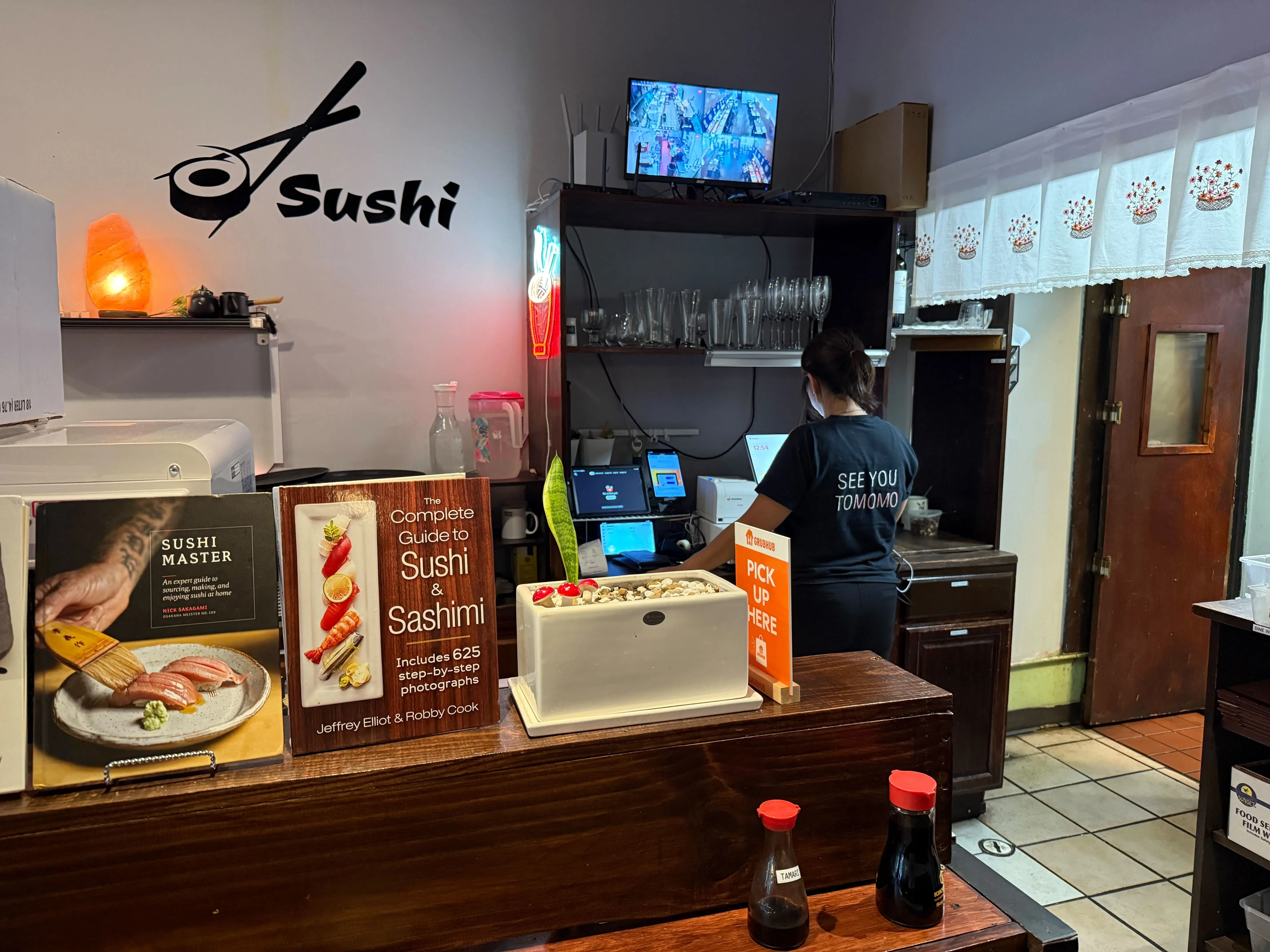
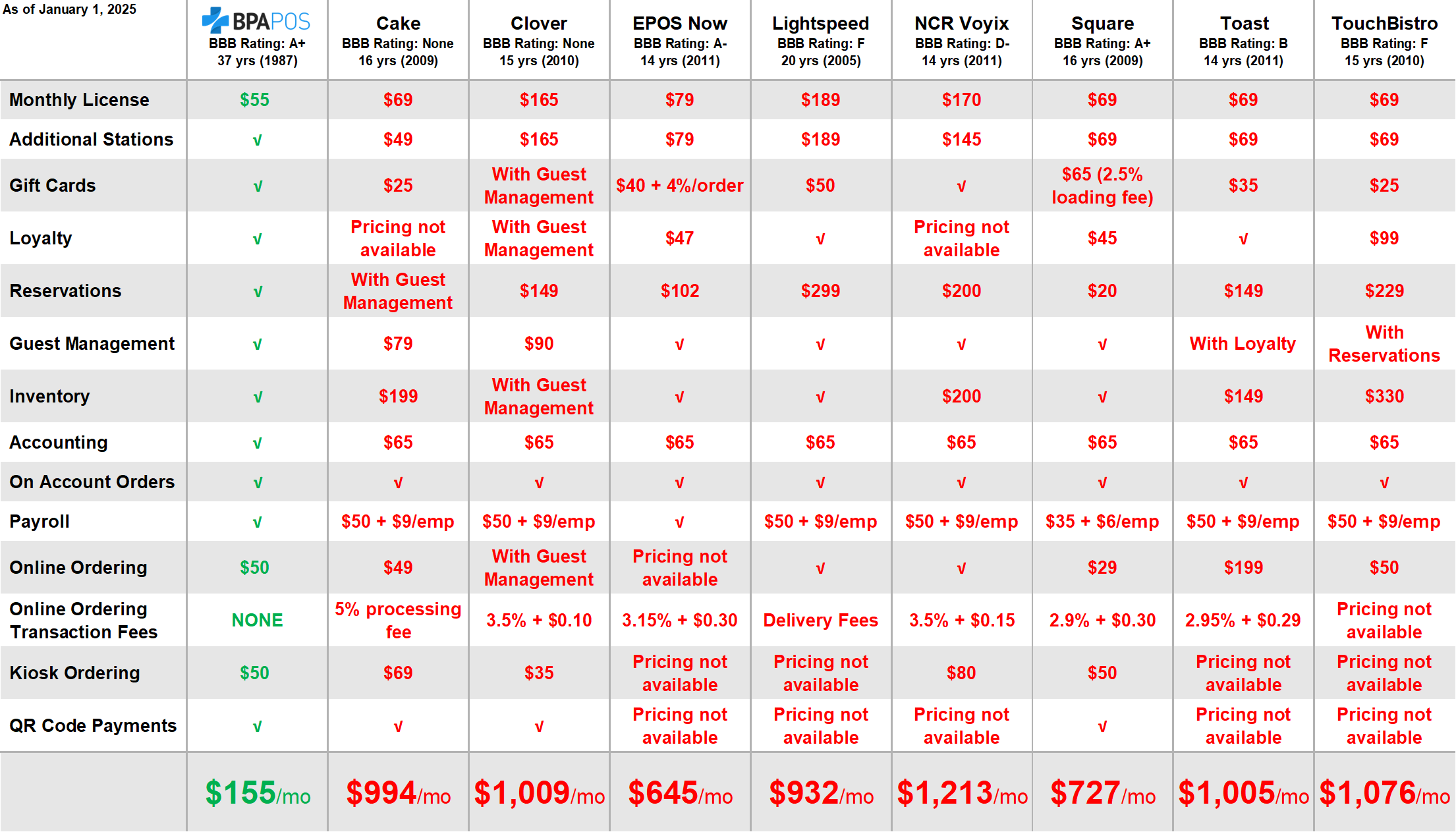
A lot of restaurants go for the cheapest option available.
On paper, it saves money. In reality, it creates:
- Slow operations
- Limited reporting
- No integrations
- Poor scalability
Why this hurts:
You end up replacing the system in 6–12 months—double cost, double headache.
What to do instead:
Evaluate POS systems based on:
- Reporting capabilities
- Integration (delivery apps, inventory, CRM)
- Ease of use for staff
- Scalability for growth
Tools like Toast and Square are popular because they grow with your business—not against it.
Mistake #2: Not Using POS Data for Decision Making
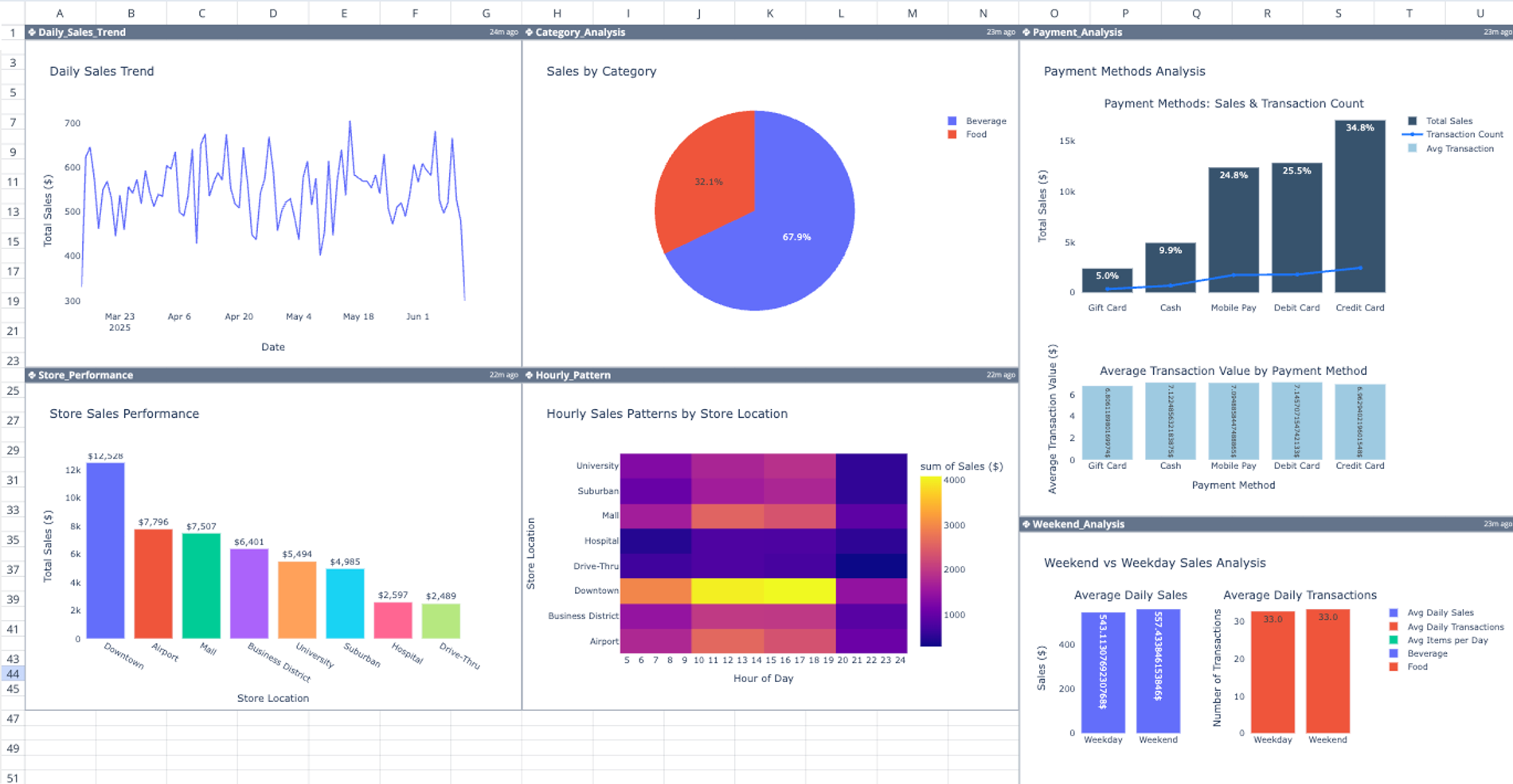
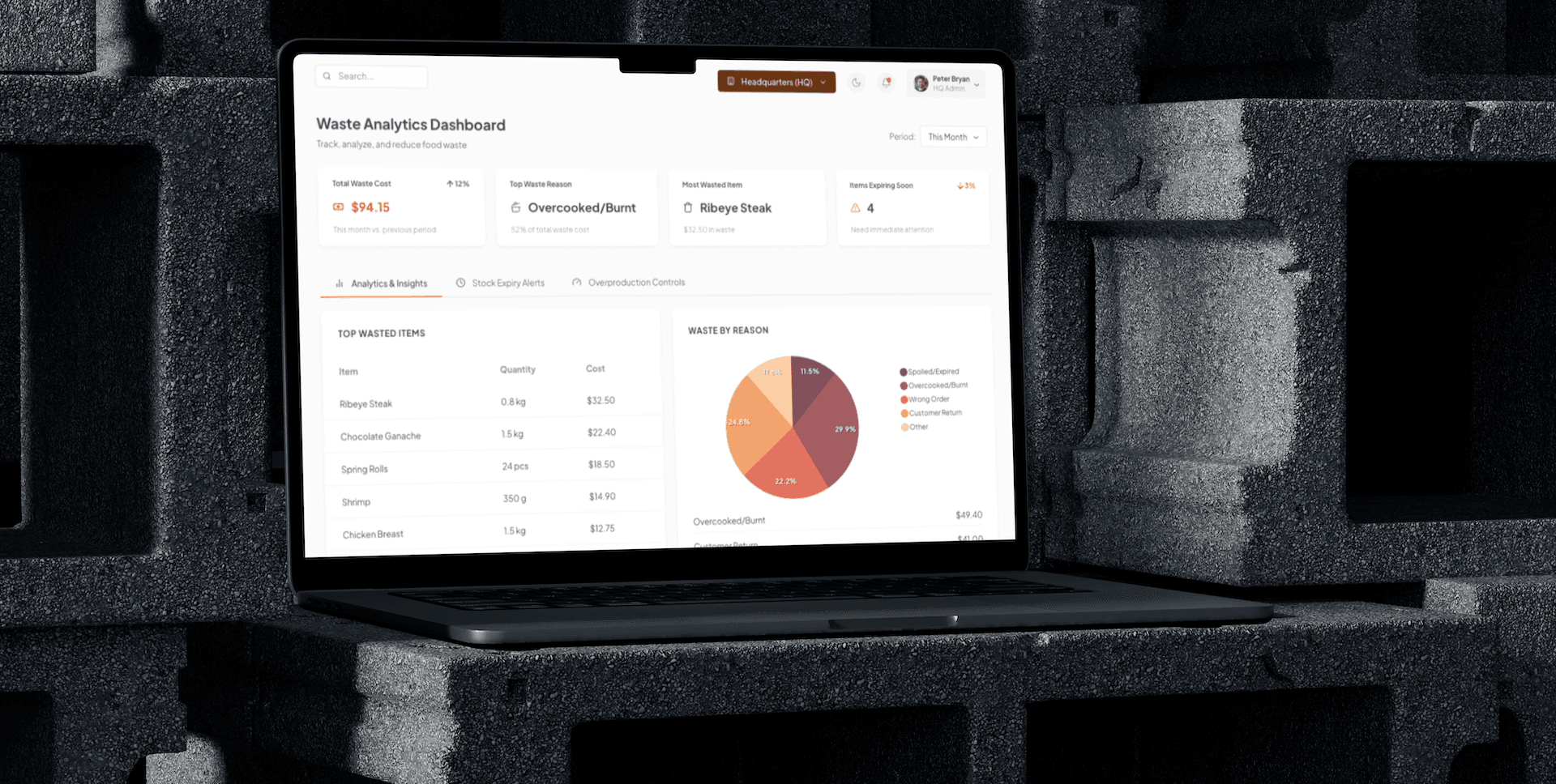
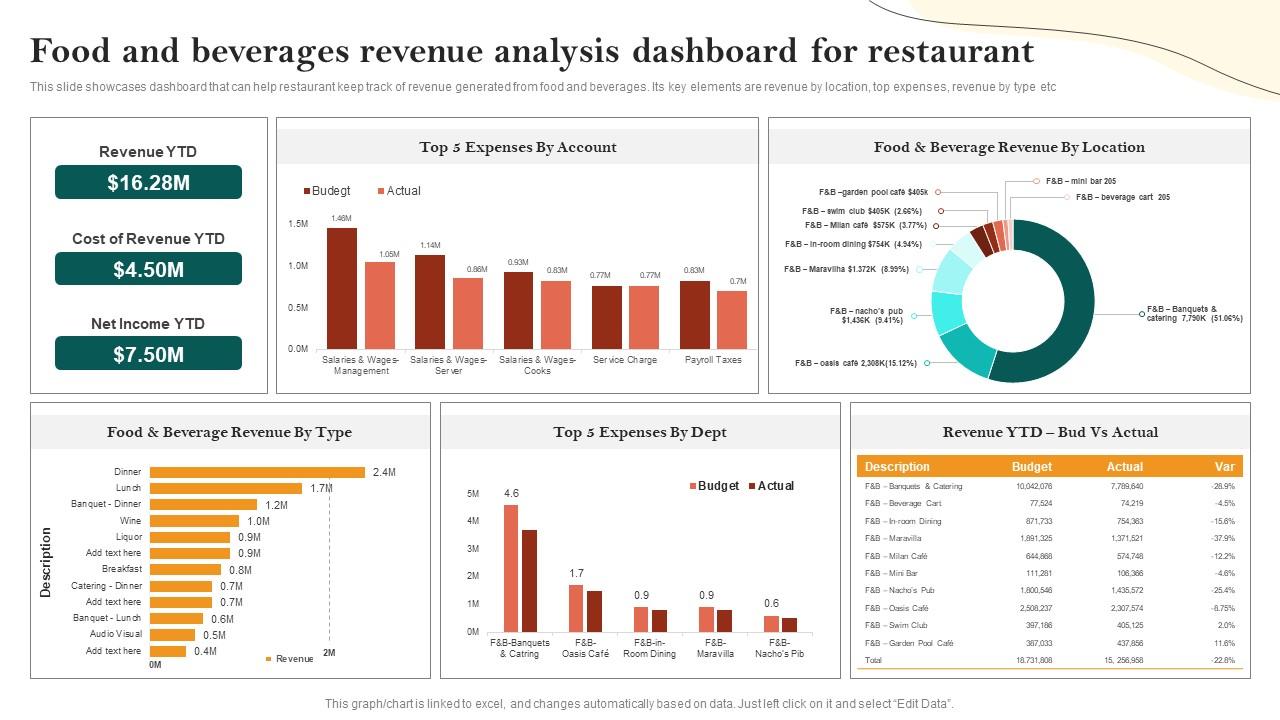
Most POS systems collect powerful data—but restaurants ignore it.
You should be tracking:
- Best-selling items
- Dead inventory
- Peak order times
- Average order value (AOV)
Why this hurts:
You’re running your business on gut feeling instead of actual numbers.
Fix:
Make it a weekly habit:
- Review top 10 items
- Remove or fix low performers
- Adjust pricing and combos
This alone can increase profitability without adding a single new customer.
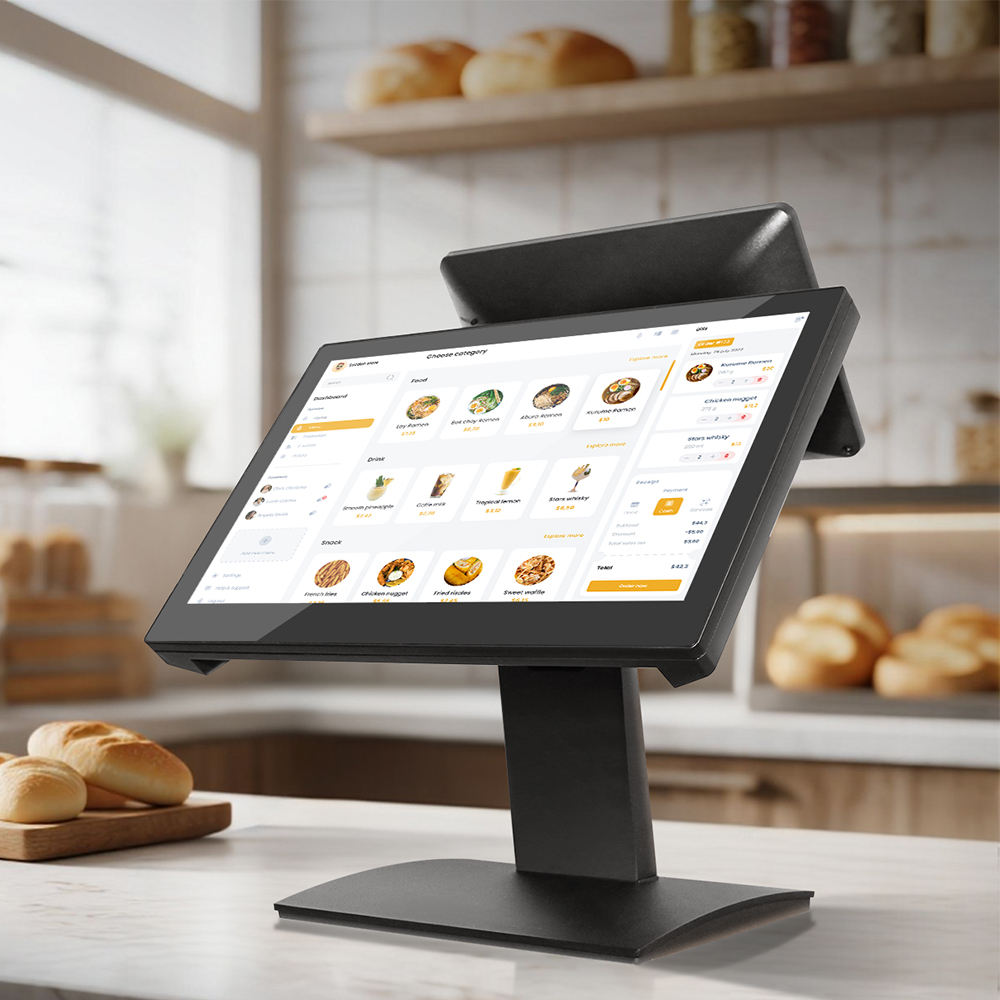
Mistake #3: Poor Menu Setup Inside the POS
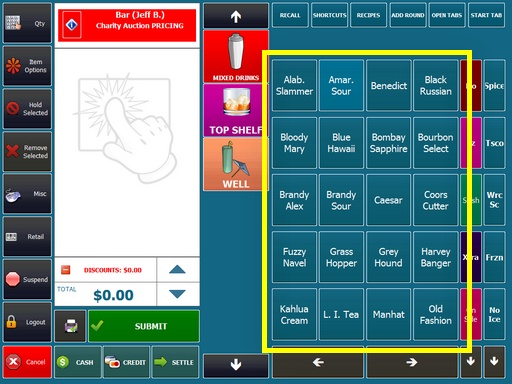
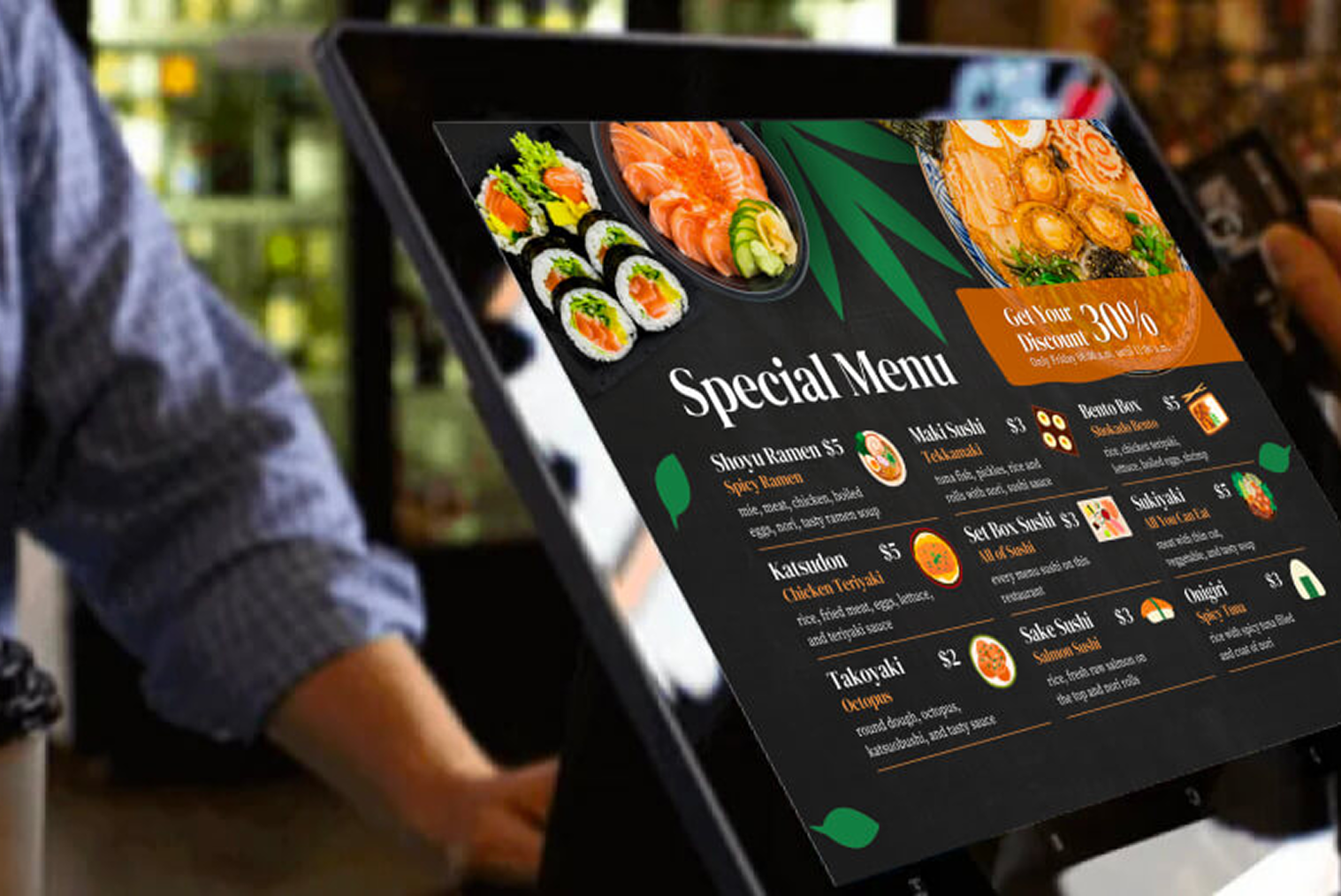
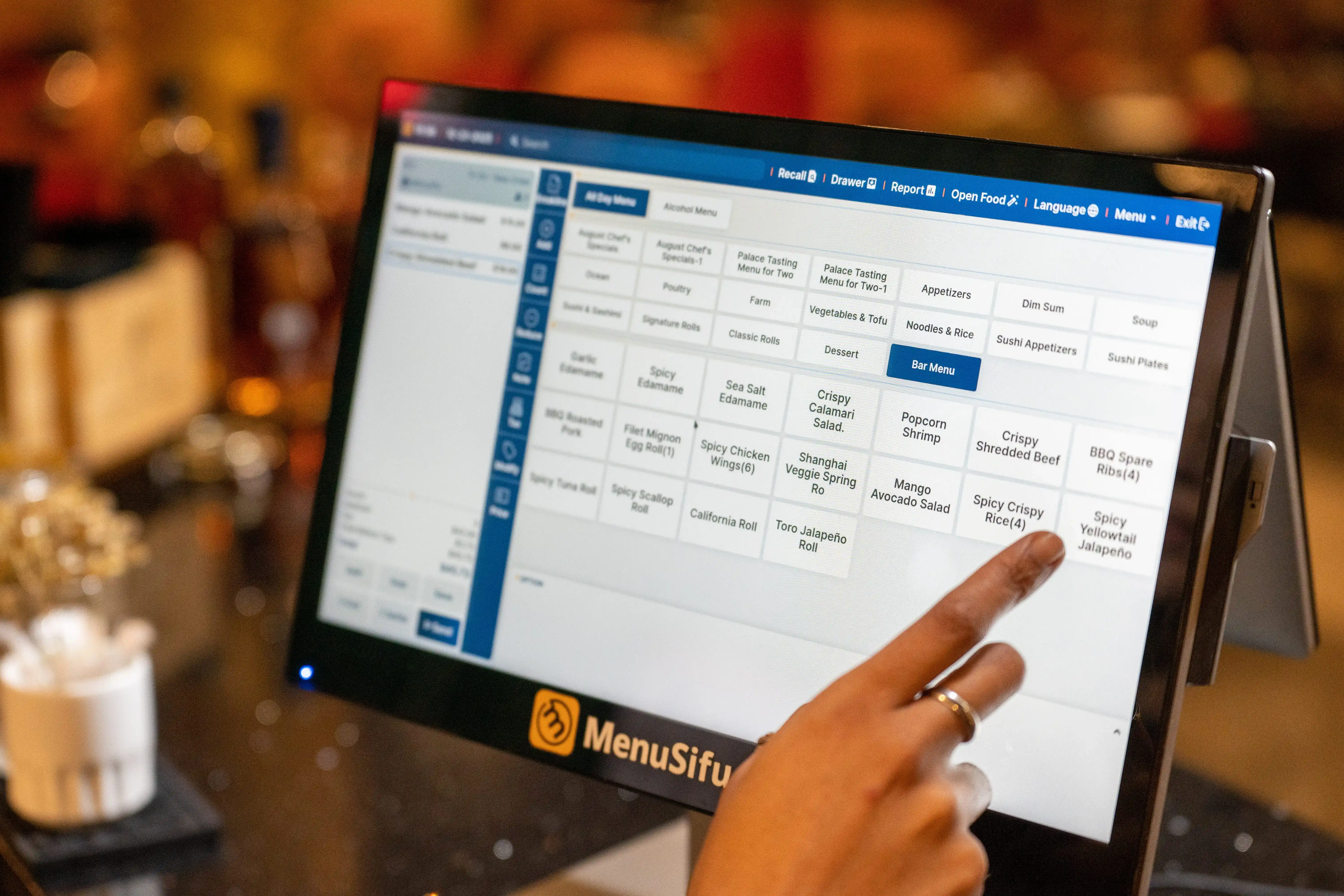
This one is massively underrated.
Bad menu configuration leads to:
- Wrong orders
- Slow service
- Staff confusion
- Customer complaints
Common issues:
- No proper categories
- Missing modifiers (extra cheese, spice level, add-ons)
- Duplicate items
Fix:
Structure your POS like a customer decision flow:
- Clear categories (Starters, Mains, Drinks)
- Add modifiers properly
- Keep naming simple and consistent
A clean POS menu = faster service + fewer mistakes.
Mistake #4: No Integration with Delivery Platforms
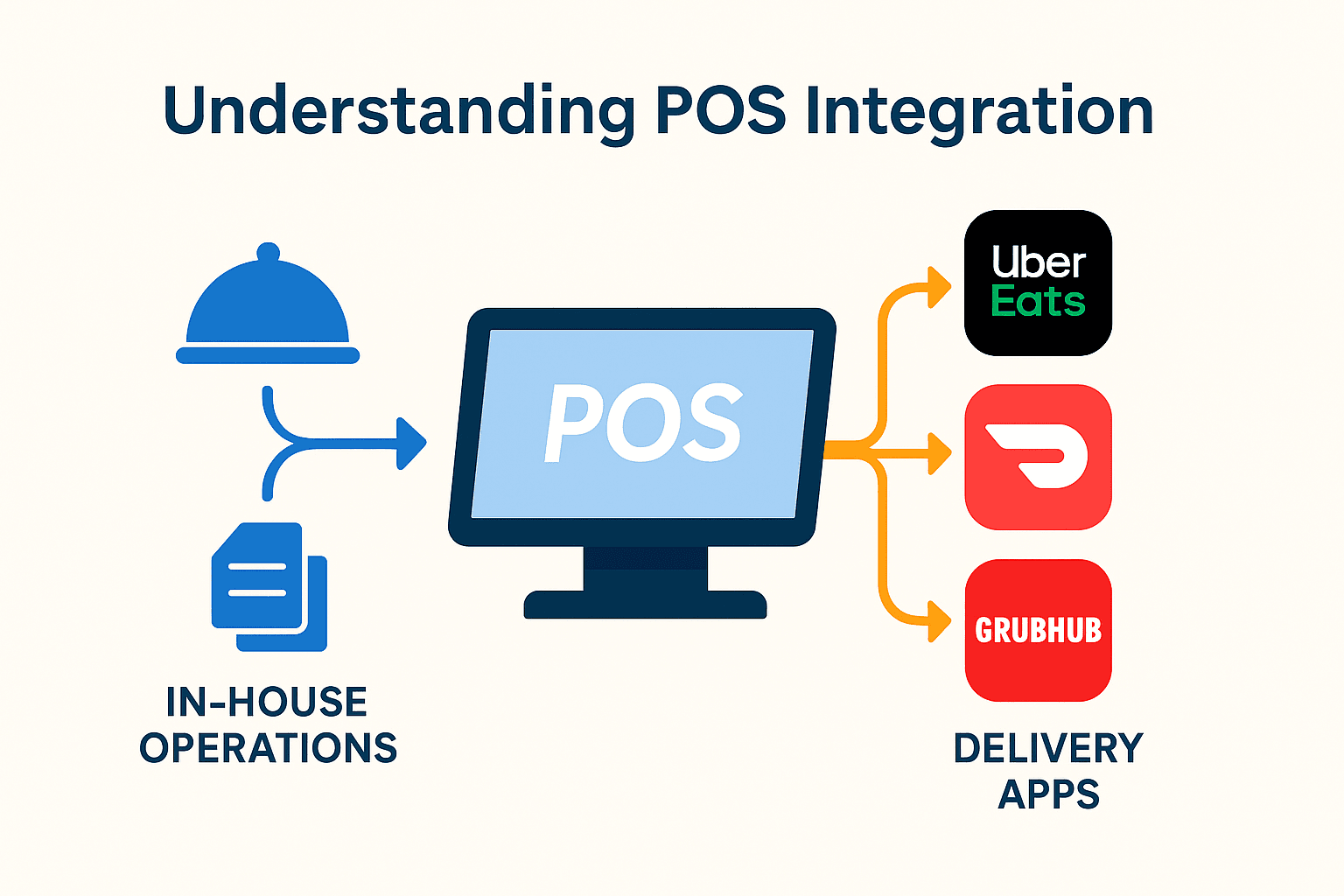
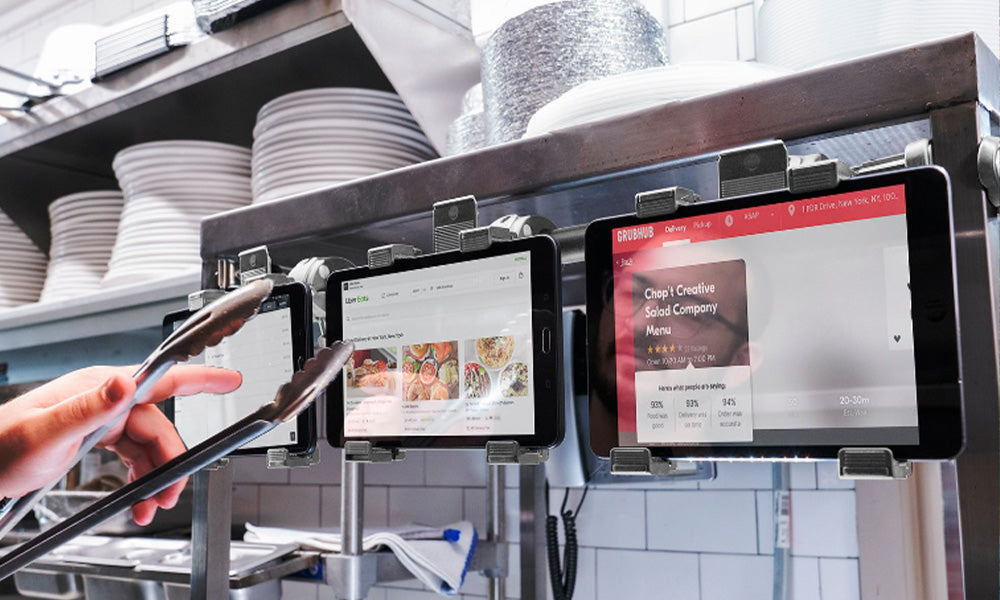
If your staff is manually handling orders from multiple tablets…
You already have a problem.
Why this hurts:
- Missed orders
- Delays
- Operational chaos
- Wrong entries
Fix:
Use middleware like Deliverect to:
- Sync all delivery platforms into one system
- Automate order flow to the kitchen
- Reduce human error
This is one of the highest ROI upgrades you can make.
Mistake #5: Ignoring Staff Training

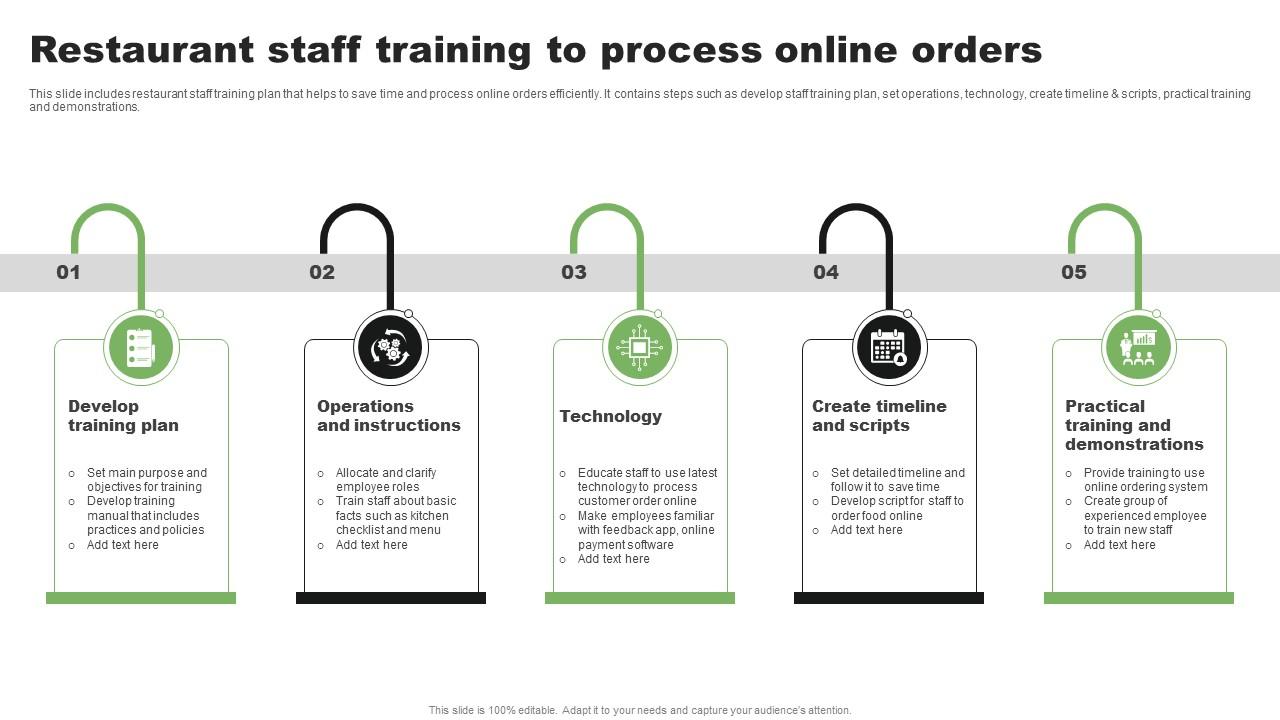
You installed the system—but no one really knows how to use it properly.
Result:
- Slow billing
- Incorrect orders
- Underutilized features
Fix:
Train your team on:
- Order taking speed
- Modifier usage
- Handling rush hours
- Refunds and edits
Even 2–3 hours of structured training can dramatically improve efficiency.
Mistake #6: Not Tracking Inventory Through POS
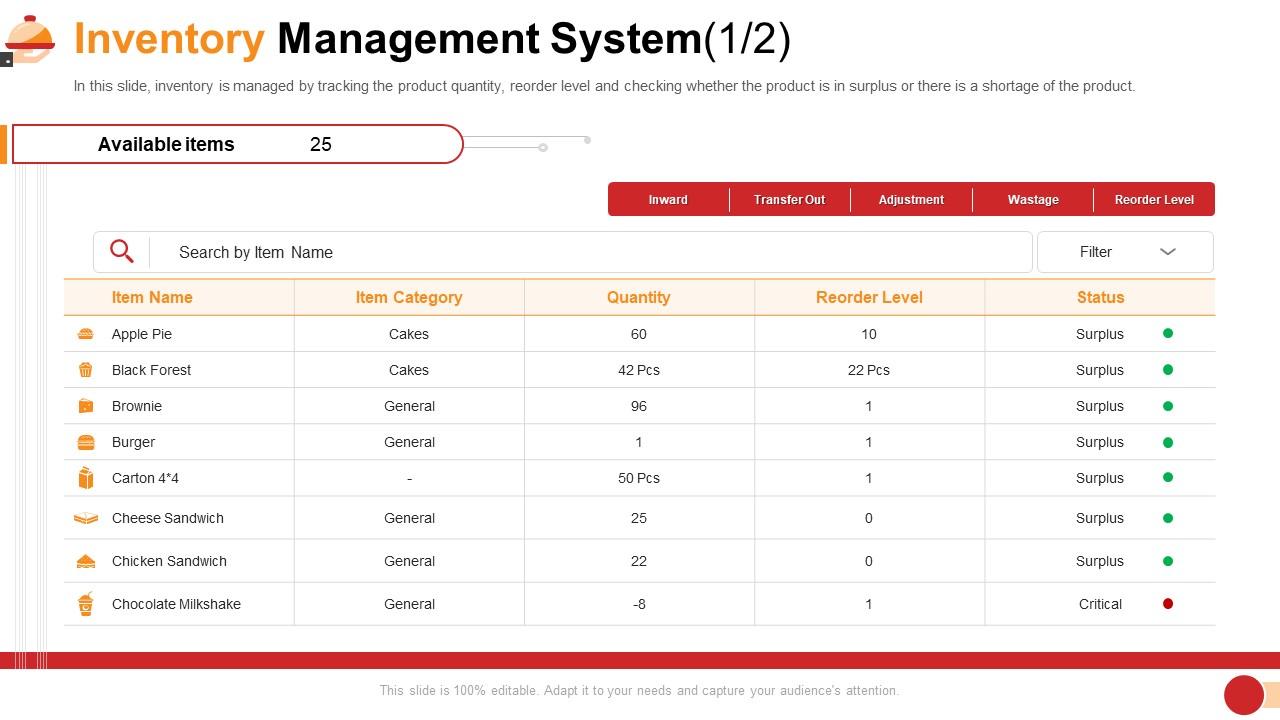
Many restaurants use POS only for billing—not inventory.
Big mistake.
Why this hurts:
- Food waste
- Stockouts during peak hours
- No cost control
Fix:
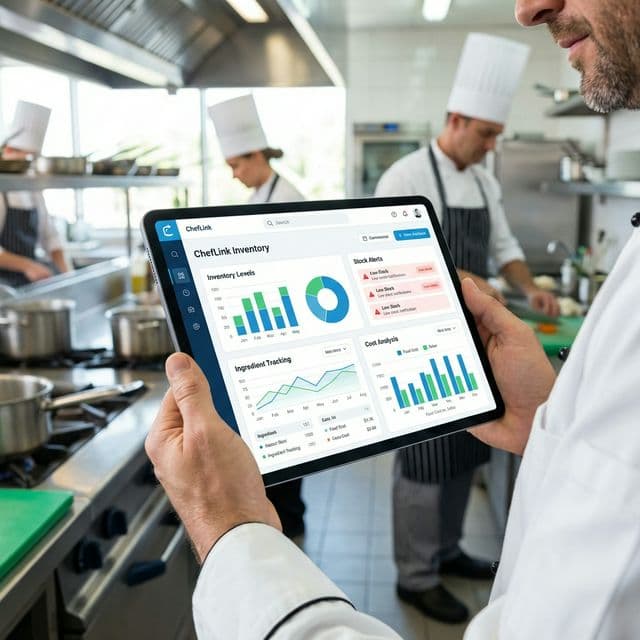
Enable inventory tracking:
- Link items to ingredients
- Set low-stock alerts
- Monitor usage trends
This is where your margins are won or lost.
Mistake #7: No Backup Plan (System Downtime)
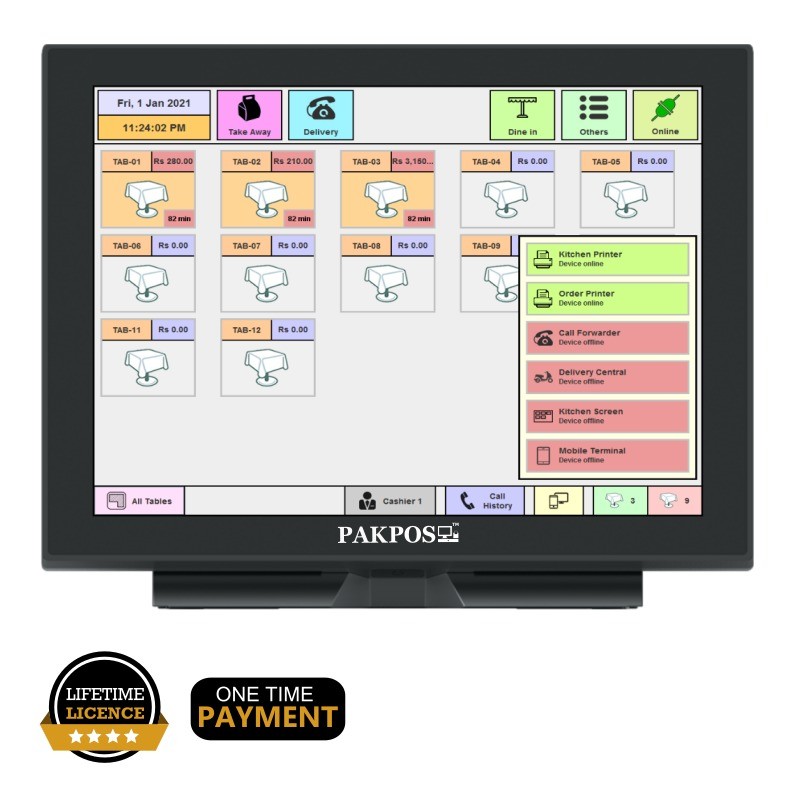


What happens when your POS goes down?
Most restaurants don’t think about this—until it happens.
Risk:
- Orders stop
- Billing chaos
- Revenue loss
Fix:
- Use cloud-based POS with offline mode
- Keep manual billing backup ready
- Train staff for fallback process
Mistake #8: Treating POS as a Billing Tool Only
This is the biggest mistake of all.
A modern POS can handle:
- Customer data
- Loyalty programs
- Marketing campaigns
- Performance analytics
If you’re only using it to print receipts—you’re leaving money on the table.
How to Choose the Right POS (Quick Checklist)
Before you finalize a system, ask:
- Does it integrate with delivery apps?
- Can it track inventory properly?
- Does it provide real-time analytics?
- Is it easy for staff to learn?
- Can it scale as I grow?
If the answer is “no” to more than two of these—walk away.
Final Take
A POS system won’t fix your restaurant.
But a poorly used POS system can absolutely break it.
The difference isn’t the software—it’s how you use it.
Restaurants that win are the ones that:
- Treat POS as a growth tool
- Use data for decisions
- Optimize operations continuously
That’s where real profitability comes from.
Related Restaurant Technology Guides: